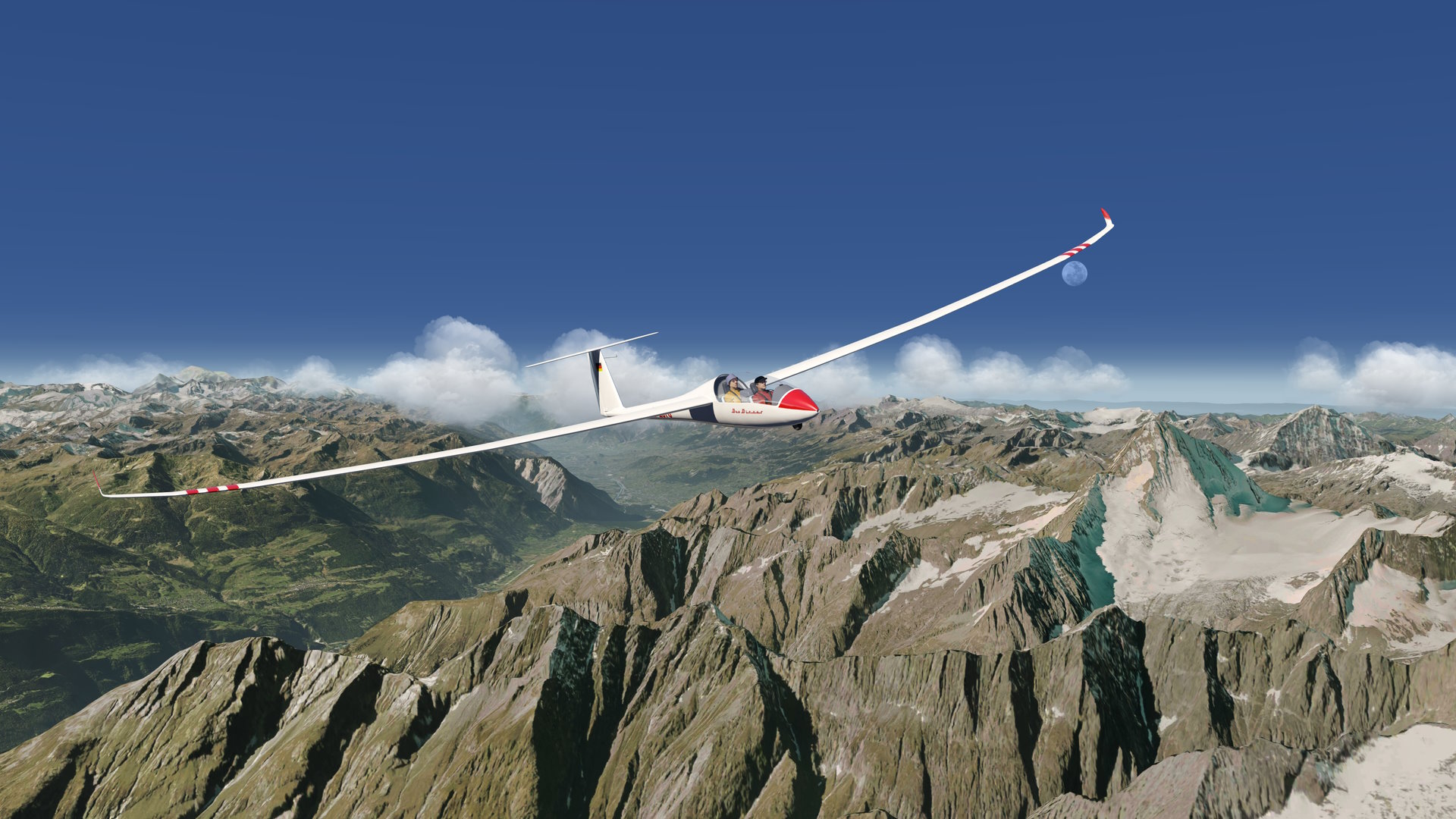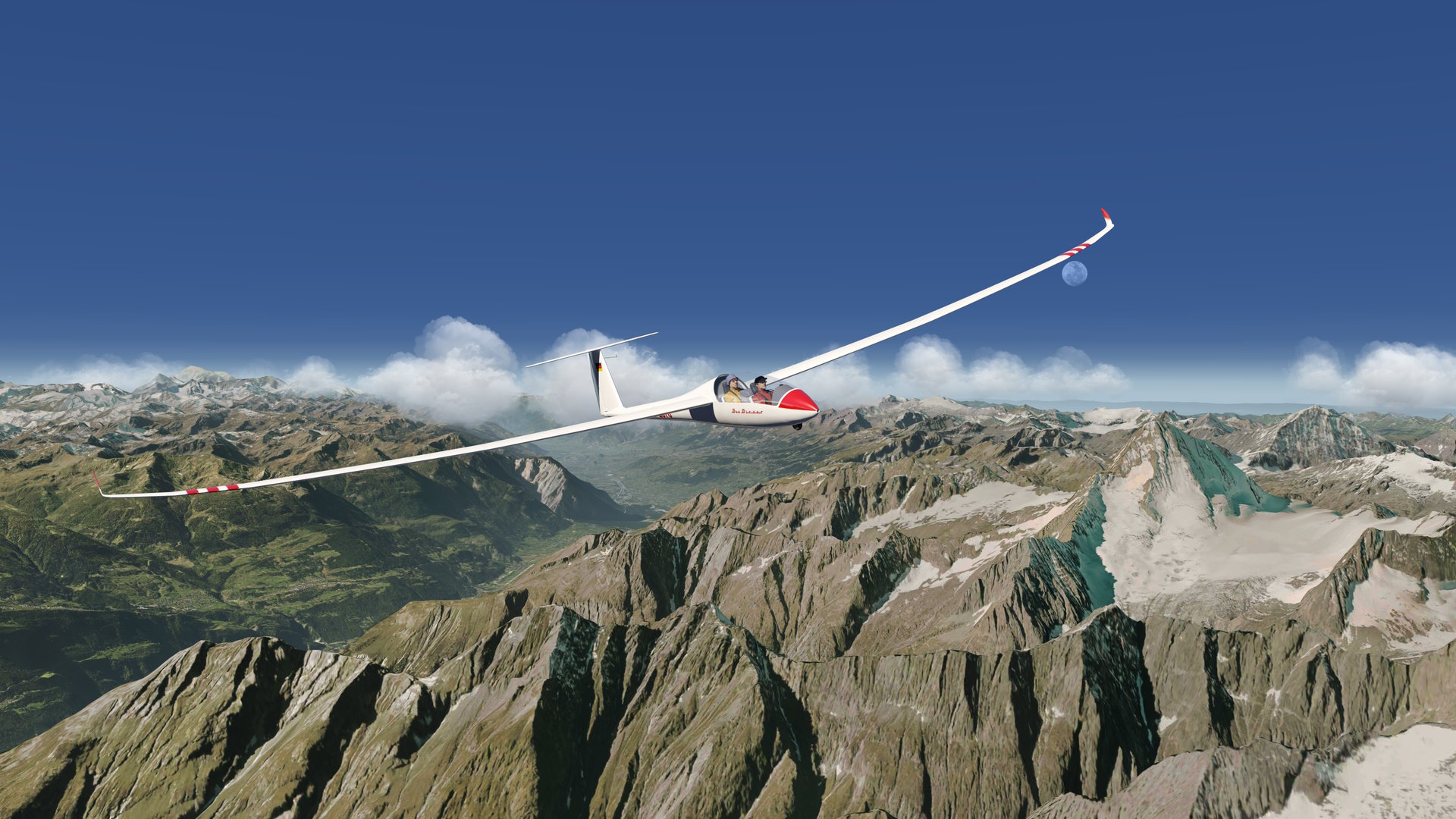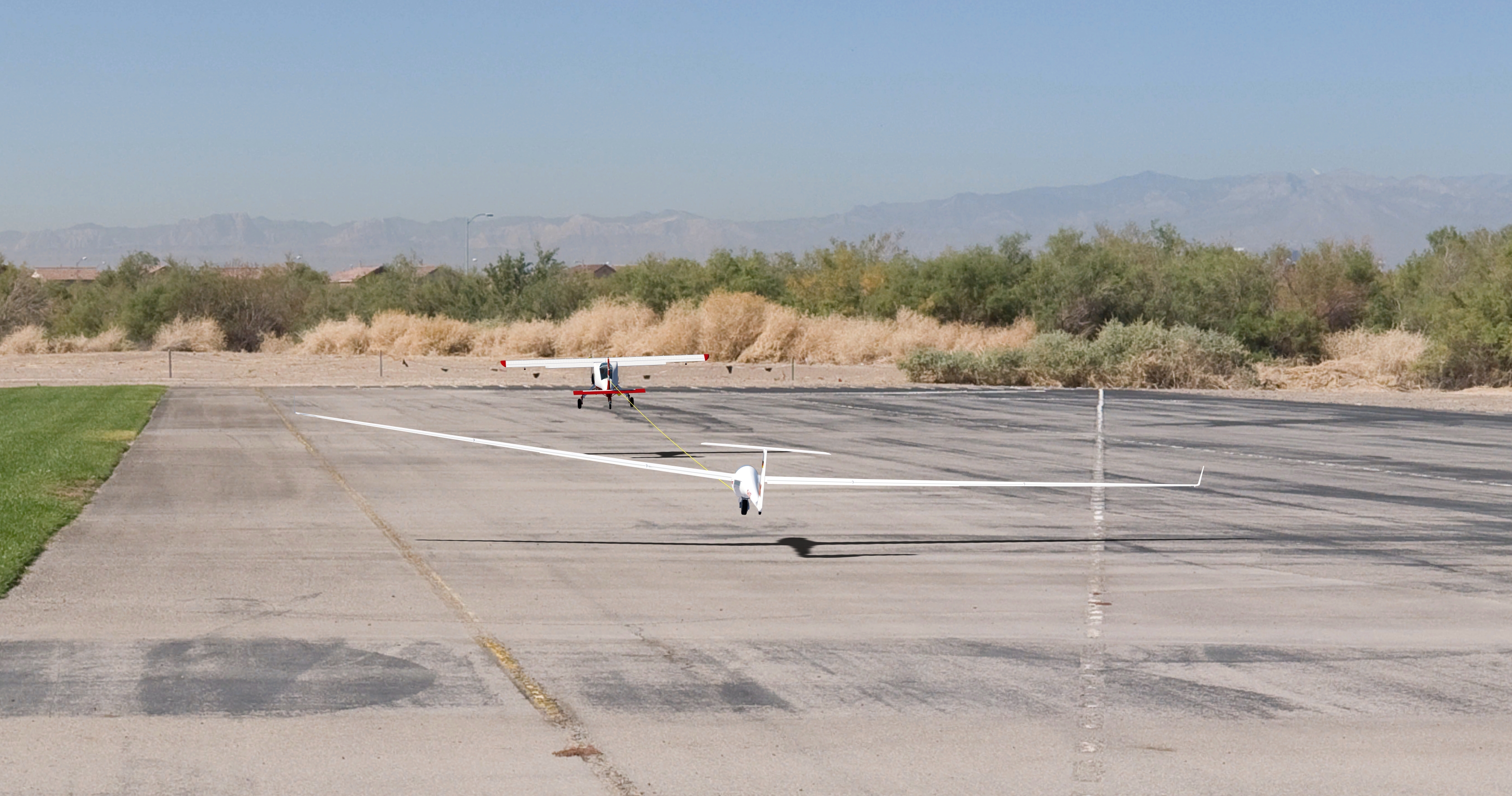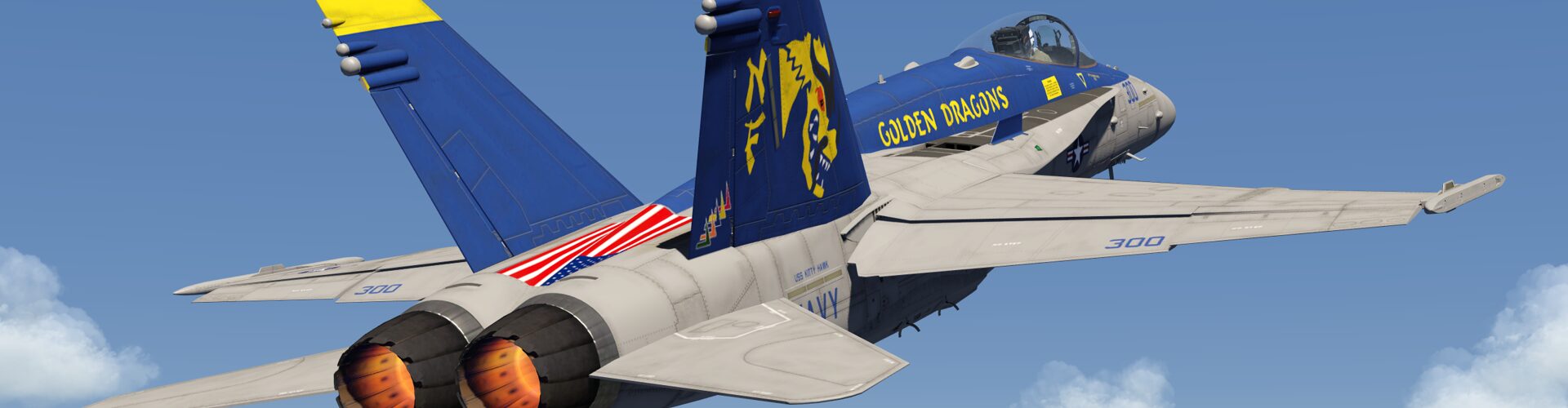
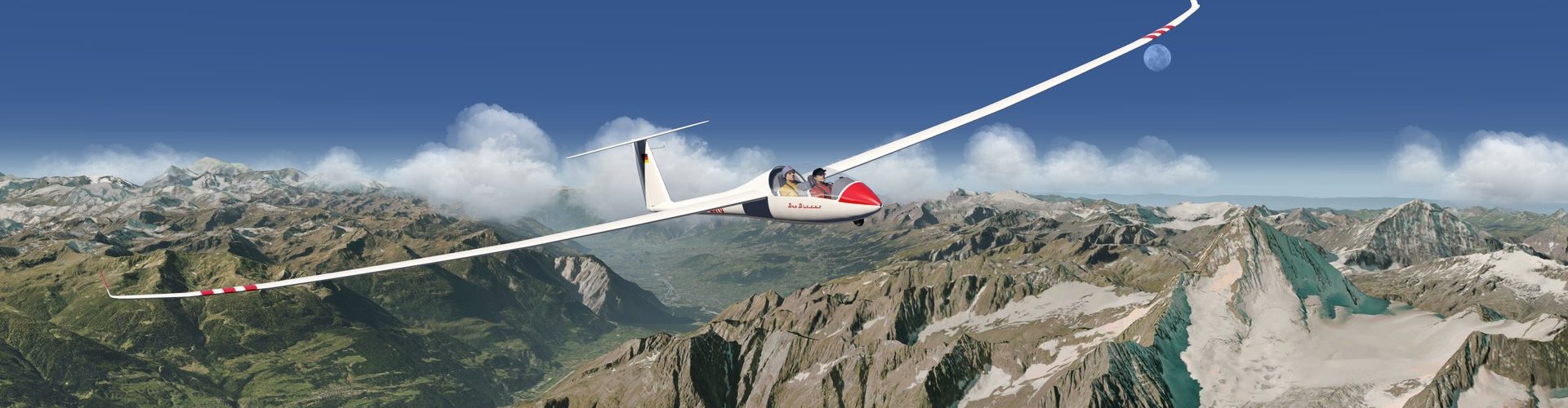
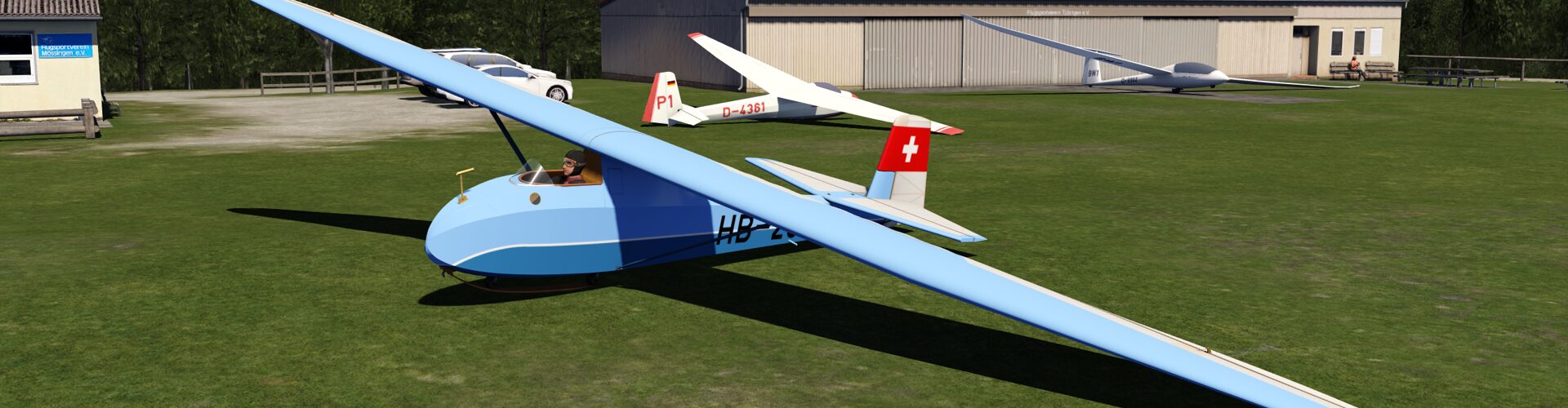
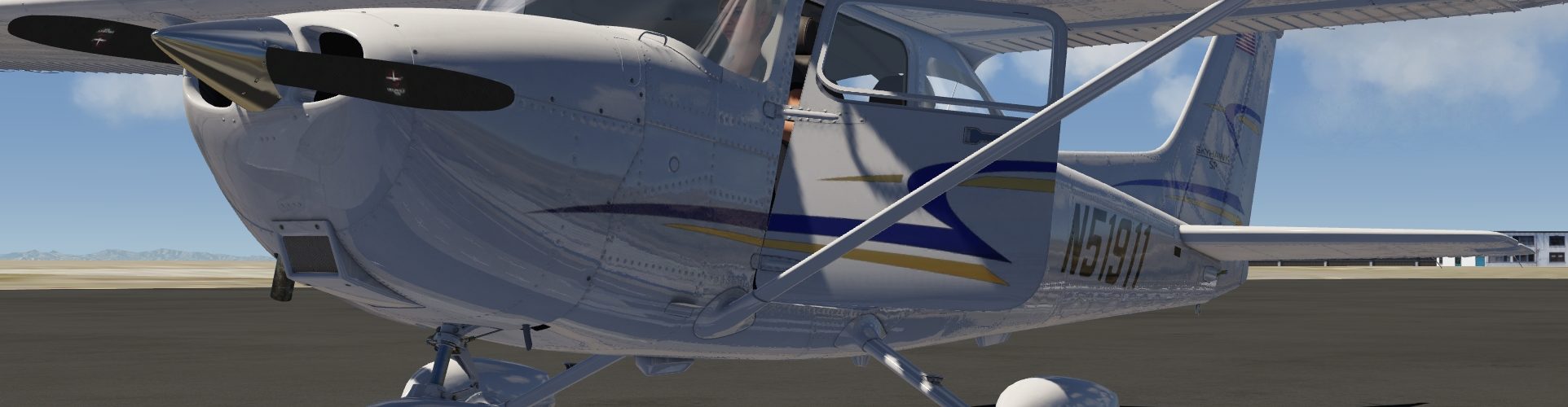




For endless aerobatic fun with this beautiful glider in the aeroflyRC7 simulator this modification adds a powerful turbine to the fuselage.
It is not visible and sits inside the fuselage itself. The throttle control is on the throttle lever just as it is for typical aerobatic 3D aircraft. The airbrakes are on the airbrake channel like it is implemented on the a320 for example.
Installation
Swift S1 + Turbine for Aerofly RC 7 »
1. Download the zip-compressed archive!
2. Unzip the downloaded file.
3. Move the folder “swifts1” to your user-folder into the aircraft_mod directory. (C:\Users\~\Documents\aerofly RC 7\aircraft_mod\swifts1\)
4. Choose the modification “Swift S-1 ( + Turbine)” from the drop-down menu on the right hand side of the aircraft selection menu.
5. Fly… 🙂 Use throttle to control the turbine and use airbrakes to control the airbrakes.
Have great flights with this modification!